SiteClock
Geofenced attendance, timesheets and payroll for site-based teams, with the rules of Singapore employment law built in.
- Punch verification
- GPS geofence
- Payroll rules
- SG MOM
- Worker app
- iOS + Android
- Tenancy
- Multi-company
Overview
What SiteClock is for
SiteClock was built for companies whose staff work across construction sites, warehouses and client premises, where a wall-mounted clock does not exist and paper timesheets are rewritten at month end. The worker app records a punch only inside the site geofence, so the timesheet reflects where people actually were.
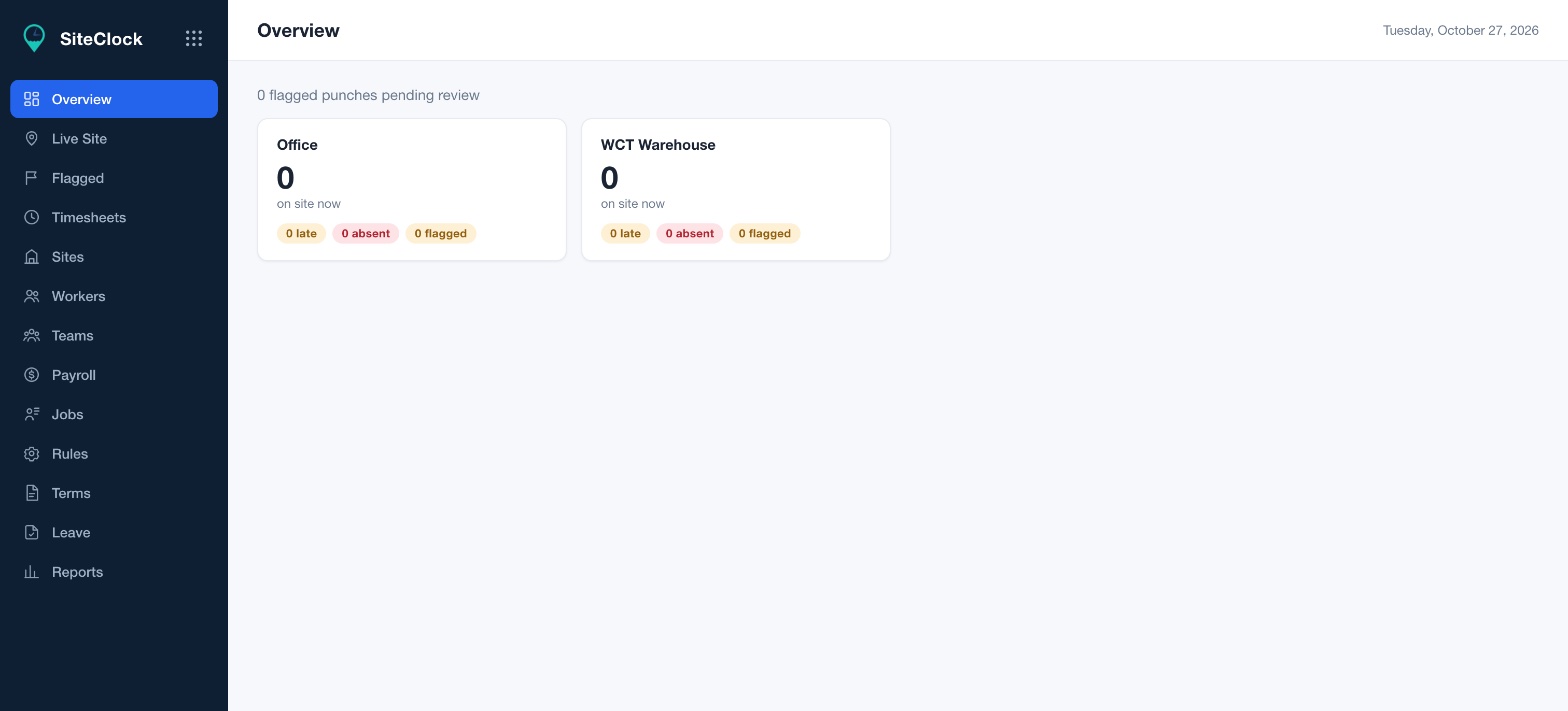
Anything unusual is flagged rather than silently accepted: a punch outside the fence, a missed punch-out, a late start. Site staff review flags from the web console, and the approved hours flow into payroll with overtime, rest-day and public-holiday rates calculated to Singapore Ministry of Manpower rules.
Each company runs in its own tenant with its own sites, teams, shift rules, leave types and reports. The worker app is on both app stores, with push reminders before and after each shift and WhatsApp one-time-password sign-in so there are no passwords to forget. SiteClock also comes with AIMS, so firms that run their leads, projects and accounts there get staff hours in the same workspace, booked to the project they were worked on.
Features
What SiteClock does
Geofenced punch in and out
Each site has a GPS fence. The app only accepts a punch inside it, and records the location with the time.
Live site view
Who is on which site right now, with late, absent and flagged counts per site.
Flagged punch review
Out-of-fence punches, missed punch-outs and late arrivals queue up for a supervisor to approve or correct.
Timesheets and payroll
Approved hours become timesheets, and payroll applies overtime, rest-day and public-holiday rates automatically.
Shifts, rules and leave
Define shift patterns and grace periods per team, and manage leave in the same place.
Mobile app with reminders
Native iOS and Android app with push reminders before and after each shift, and WhatsApp OTP sign-in.
Part of AIMS
Hours next to the projects they were worked on
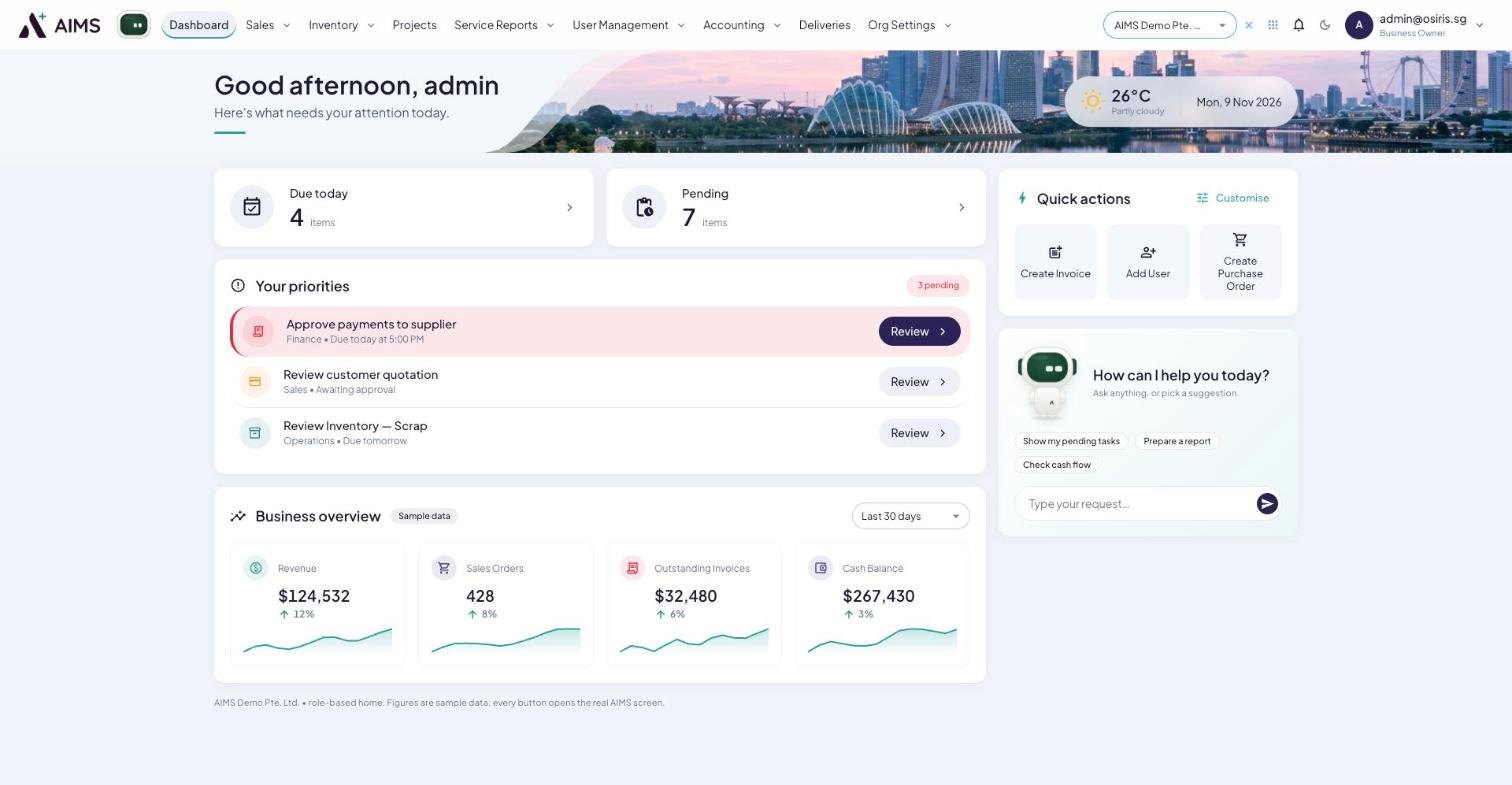
SiteClock runs on its own for teams that only need attendance and payroll. Firms on AIMS get it included: the same punches, flags and payroll, with the approved hours booked to the project in the workspace that already holds its schedule, finances and client chat.
- One login for quotations, stock, invoices, claims, hours and accounts
- Hours booked to the project, visible beside its margin
- The AIMS Agent answers who was on site and for how long
- Payroll and project costing from the same approved hours
How it works
From first call to running
- 01
Draw your sites
Add each site, set its geofence and shift rules, and assign teams.
- 02
Workers punch from the app
A reminder goes out before the shift. The punch is accepted only inside the fence.
- 03
Review and run payroll
Supervisors clear the flagged queue, and payroll is generated with MOM rates applied.
See SiteClock on your own operation.
We will walk through it on a call, with your site and your numbers, and tell you honestly whether it fits.